How Can I Extend The Maintenance on My Dongle License?
When you place an annual maintenance renewal order for a Forensic Email Intelligence (FEI) dongle license, we will process your order and provide you with a renewal code. You can apply the code to your dongle to extend your maintenance as follows:
-
Make sure that the dongle is plugged into the computer where you run FEI.
-
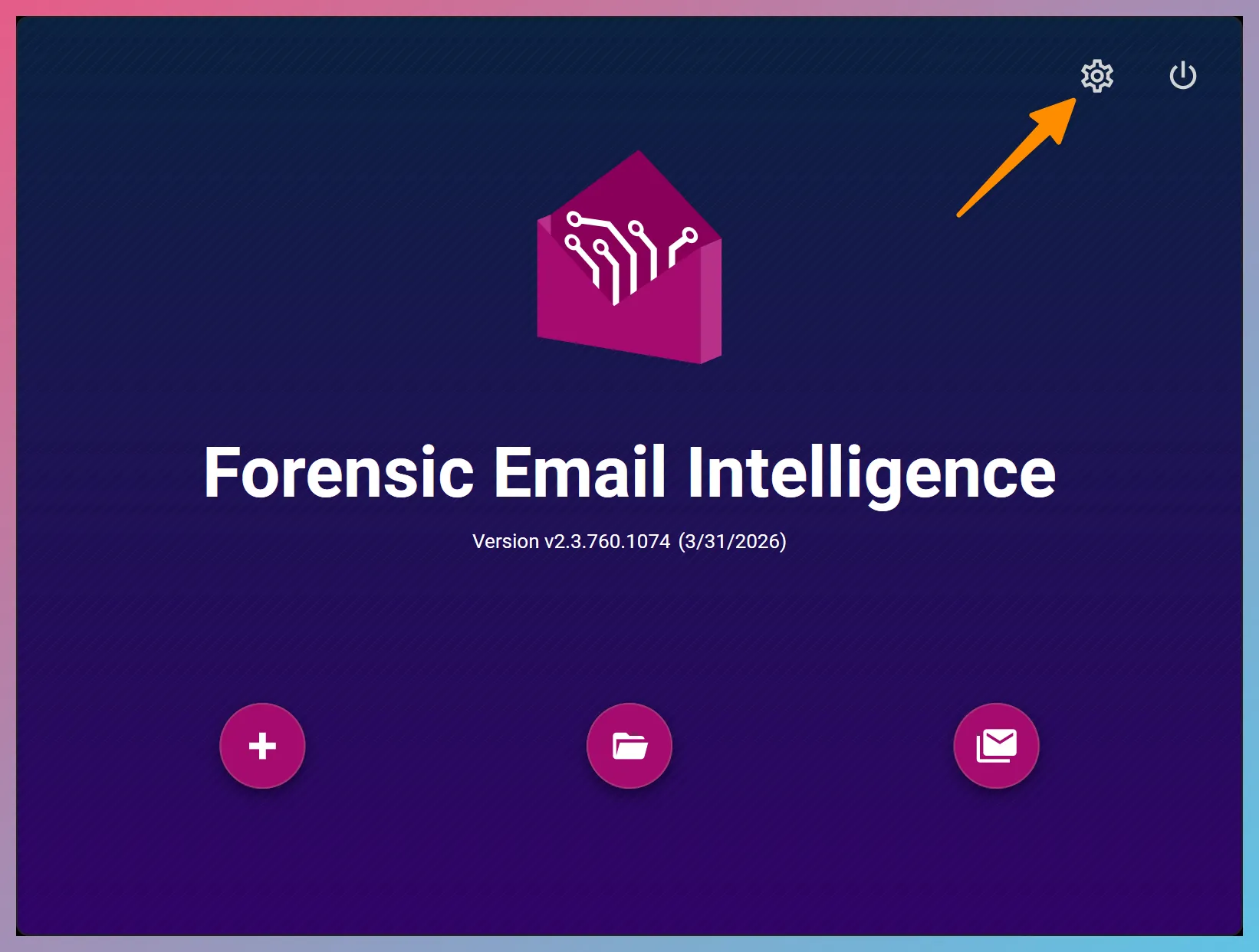
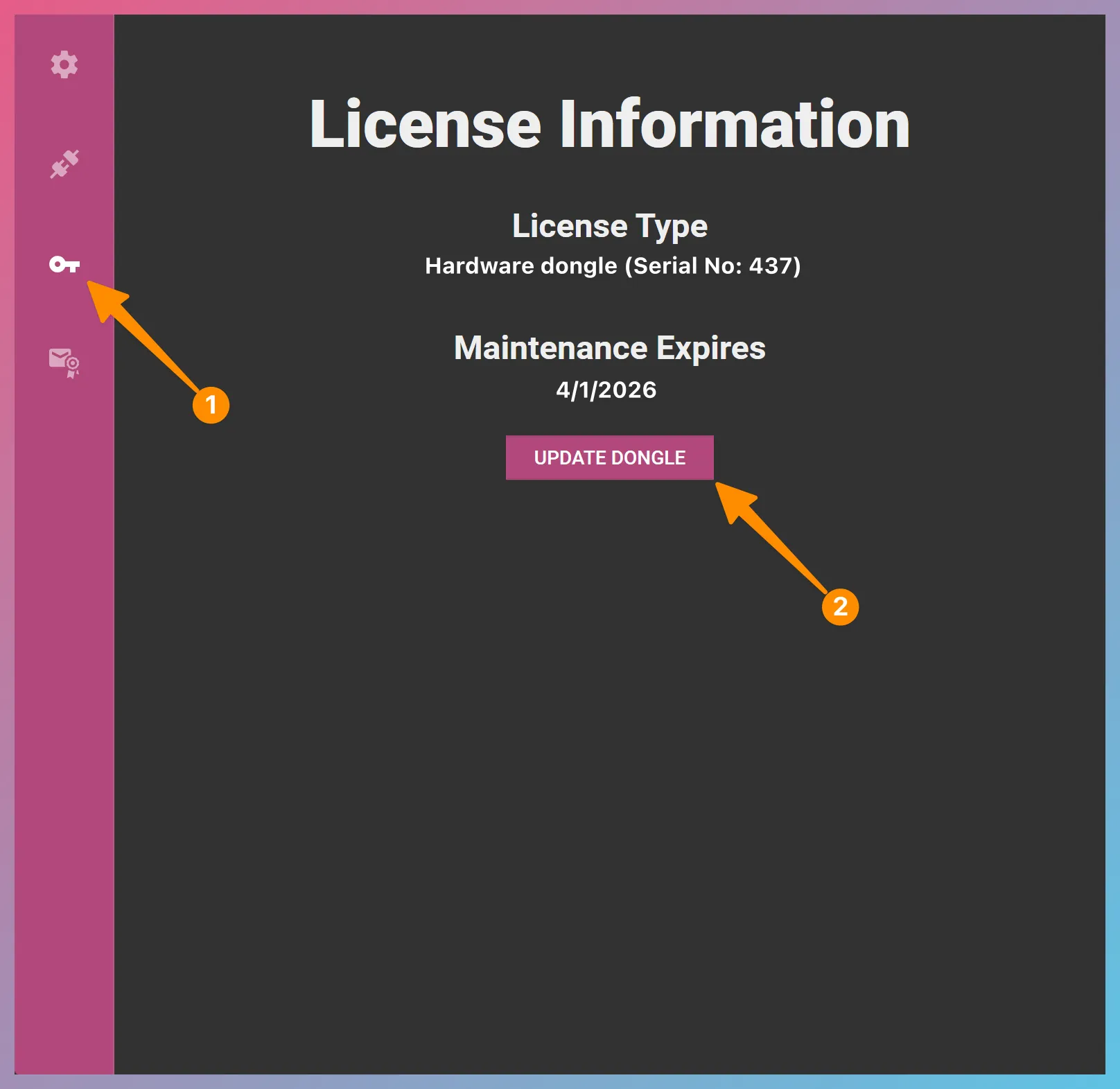
Launch FEI and go to the Settings > License Information page.
-
Click the
UPDATE DONGLE UPDATE DONGLE button. -
Copy and paste the renewal code you received from us into the textbox and click the
Update Dongle Update Dongle button.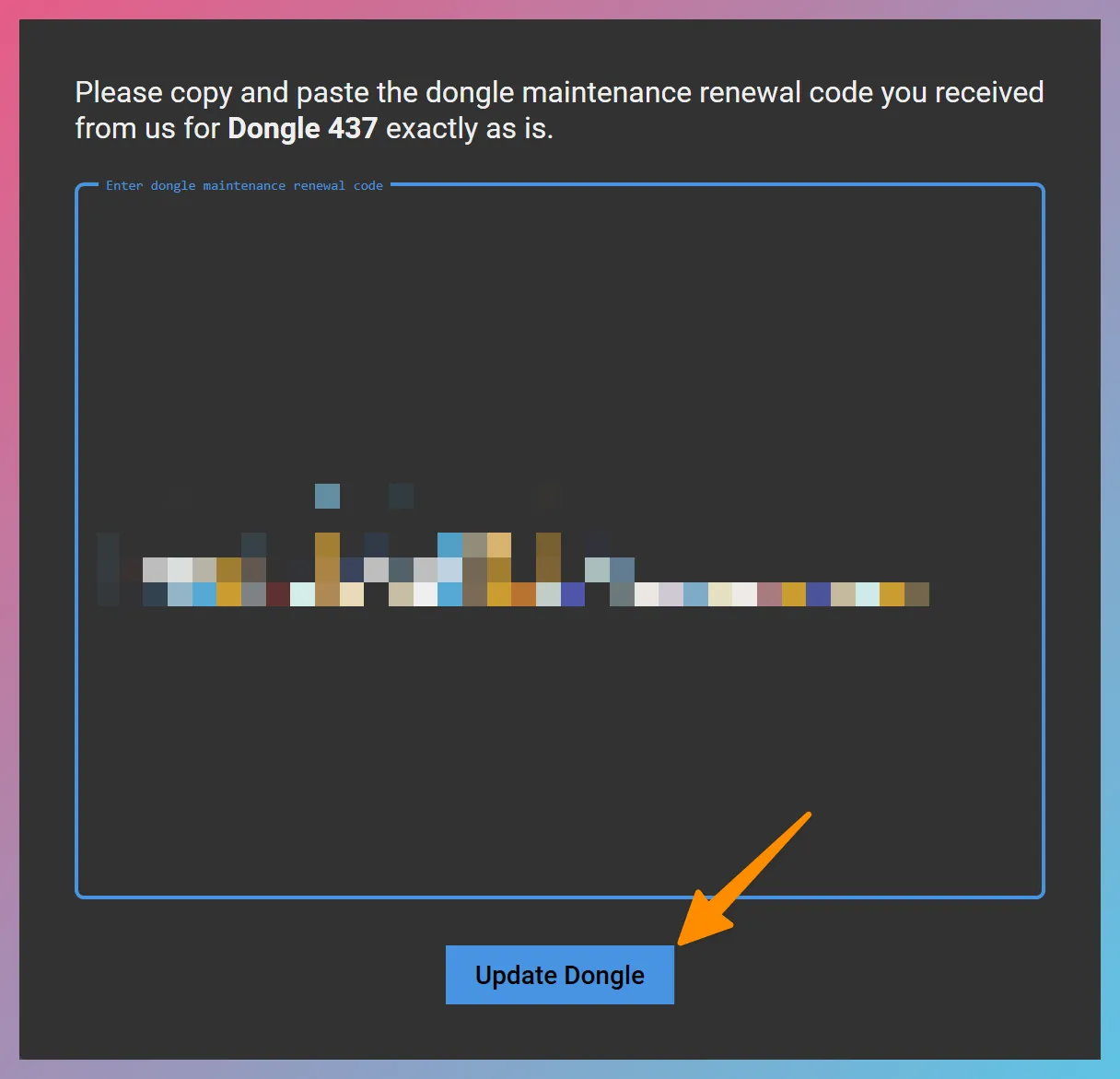
-
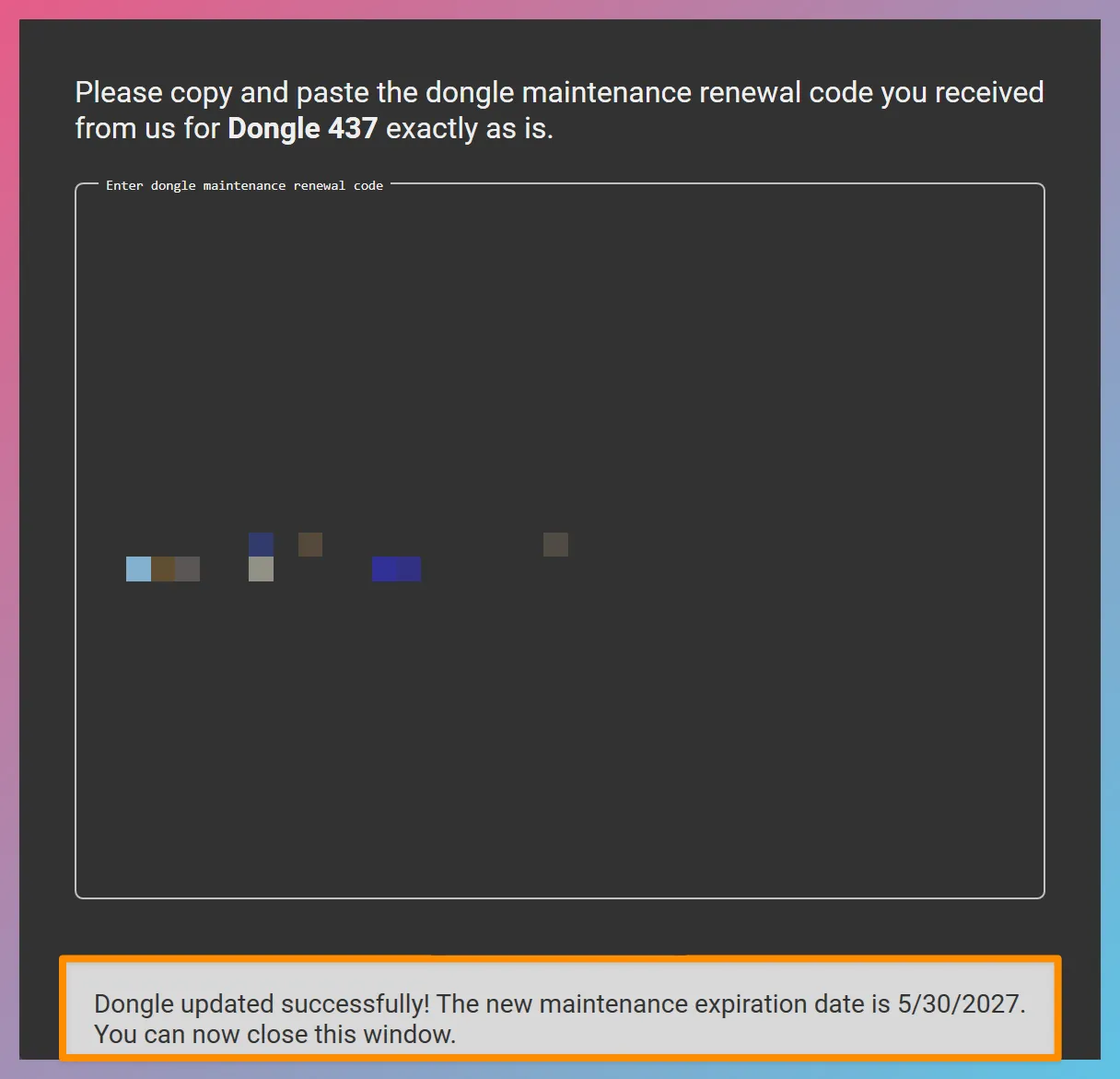
Once the maintenance on the dongle is successfully extended, you will see a message that reads “Dongle updated successfully!”. You can now close the Update Dongle License window.