

Resuming Projects
Forensic Email Collector (FEC) allows you to resume existing projects. This can be extremely helpful if the acquisition session got interrupted (e.g., you experienced a power or network failure) and you have to resume at a later time.
You can resume an acquisition project in two ways:
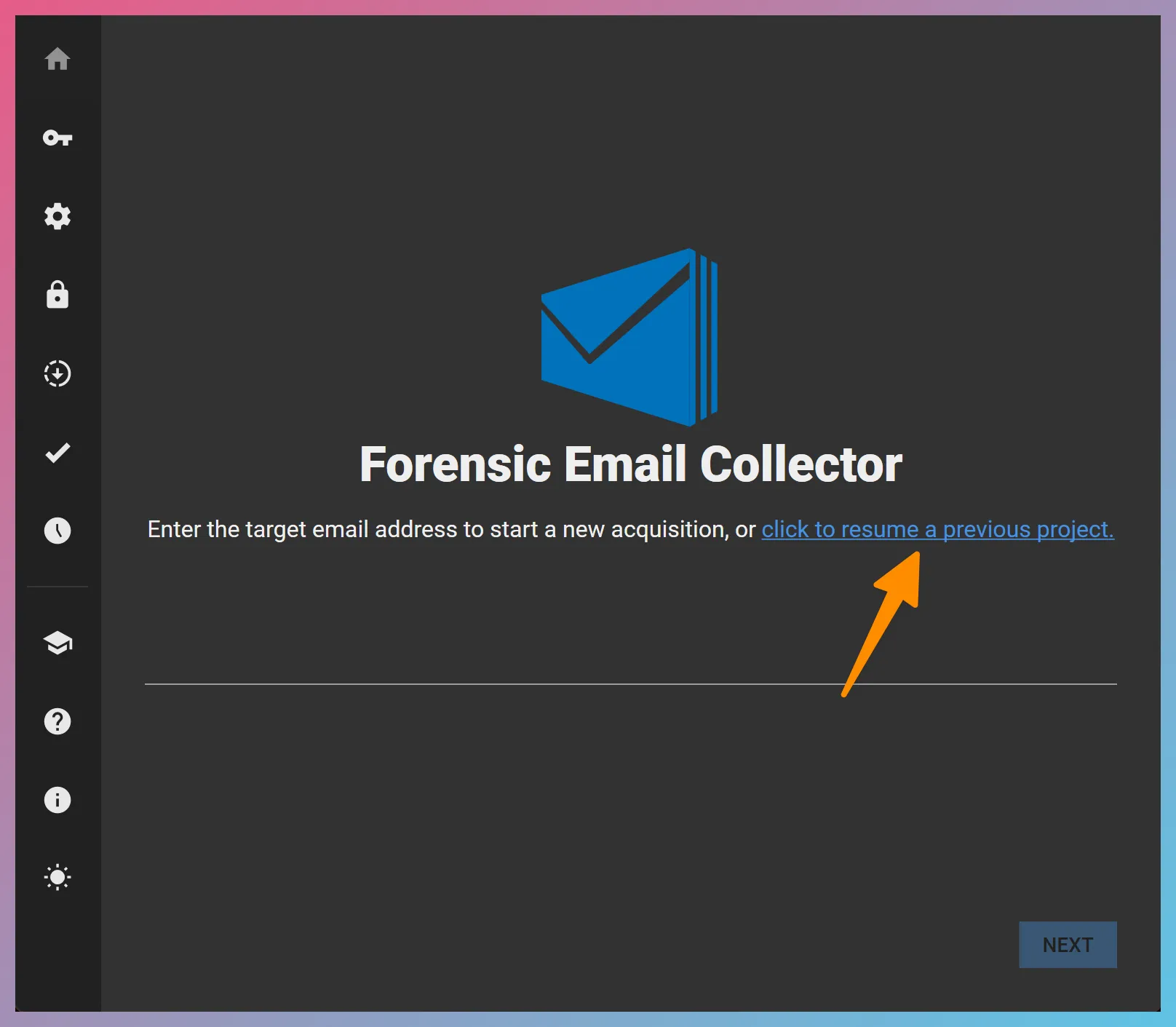
- By clicking the “click to resume a previous project” hyperlink on the main screen and selecting an FEC project file (*.FECproj), as in the screenshot below:
- By double clicking an existing FEC project file (*.FECproj) on the file system (e.g., using Windows Explorer). This will launch FEC and load the project.